Remote Online Notary Appointment Checklist: What to Gather Before Your RON Session
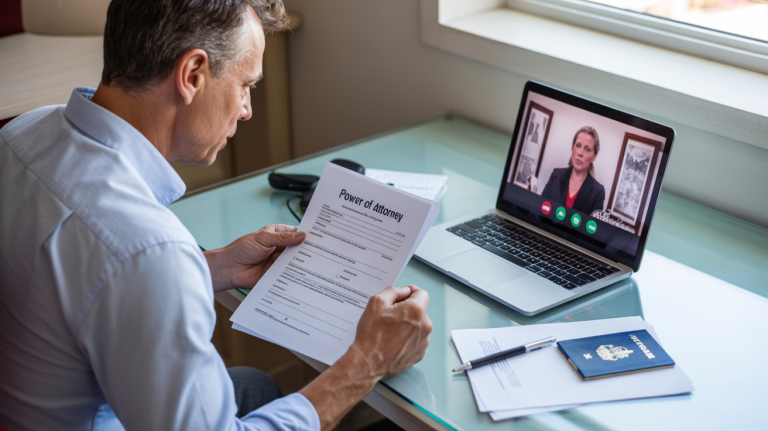
Remote Online Notarization (RON) is fast—but only if you’re prepared. Most “session failures” happen for boring reasons: wrong ID, mismatched names, unclear document, weak internet, missing witnesses, or the receiving party requiring wet ink.
Use this checklist before your appointment so you don’t waste time (or pay twice).
Note: This is general information, not legal advice. Always follow the requirements of the receiving institution and your state’s rules.
The 60-Second Pre-Check (Do This First)
Before you gather anything, confirm these 3 items with the person/institution requesting the notarization (bank, title company, attorney, court, agency):
- Do you accept Remote Online Notarization (RON)?
- Do you require wet ink/original signatures, or is electronic acceptable?
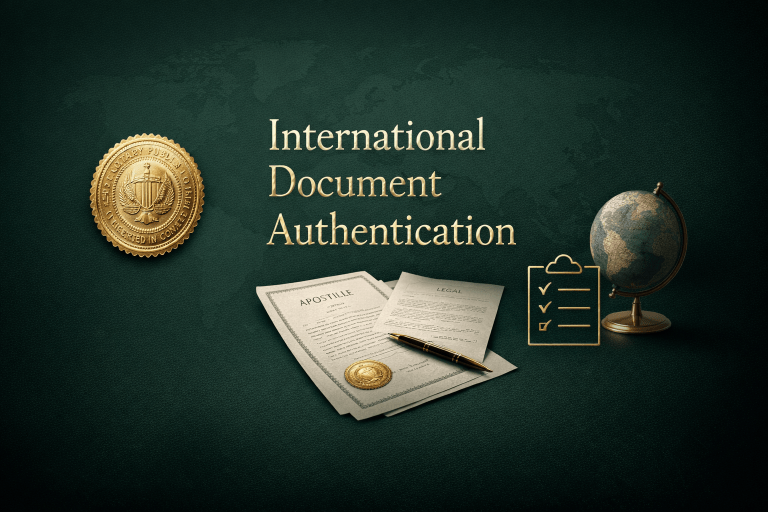
- Will the document be used outside the U.S.? If yes, will it need an apostille or authentication?
If any answer is unclear, don’t guess—get it in writing.

What to Gather Before Your RON Appointment
1) Your document (the exact version you’re signing)
- Final document (no blank signature blocks you’re unsure about)
- All pages included (RON platforms may require the full file)
- Correct state/county venue language if your form requires it
- Any required attachments/exhibits referenced in the document
Avoid: screenshots, photos of pages, cut-off margins, or blurry scans.
2) Your ID (and name-match proof if needed)
Have ready:
- A valid government-issued photo ID (passport often works well when abroad; platform rules vary)
- If your name has changed: supporting proof may be needed for acceptance (ex: marriage certificate) — not always required for notarization, but often helpful for the receiving party.
Critical: The name on your document should match the name on your ID exactly (middle initials and hyphens can trigger rejection).
3) Your email + phone access
- Access to the email address you’ll use for the session
- Your phone nearby (some platforms send verification links/codes)
4) Witnesses (only if your document requires them)
Some documents require witnesses depending on state law and document type.
Before the session:
- Confirm whether witnesses are required
- Confirm if witnesses can be remote or must be physically present
- Have witness names + emails ready (if remote)
Don’t assume. Verify. Witness rules are where things fall apart.
5) Your tech setup (non-negotiable)
Have:
- Laptop or desktop preferred (phone works sometimes, but laptop is smoother)
- Working camera + microphone
- Strong internet (don’t risk hotel Wi-Fi if you can hotspot)
- A quiet, well-lit place (face fully visible, no harsh backlighting)
Quick test: join a video call and confirm audio + camera are clean.
6) Your signing environment (yes, this matters)
- No one coaching you off-camera
- No screen recording
- No background noise
- No moving vehicle / public chaos
Most platforms require you to be alert and signing voluntarily.
7) If your document will be used internationally
If the document is being used outside the U.S., ask whether it needs:
- Apostille (Hague Convention countries), or
- Authentication (non-Hague countries)
Notarization ≠ international acceptance.
Day-Of RON Appointment Checklist (Quick Run)
- Document ready (final version)
- ID ready (not expired)
- Full name matches ID + document
- Witnesses ready (if required)
- Email + phone accessible
- Camera/mic tested
- Strong internet (hotspot available if needed)
- Quiet, well-lit room
Common “Appointment Delays” (Avoid These)
- Wrong document version (draft, missing page, wrong state form)
- ID mismatch (middle name/initial, married vs maiden name)
- Witnesses weren’t arranged
- Weak internet / bad lighting
- Receiving party refuses RON or requires wet ink originals
- Document needs apostille/authentication and no one confirmed it
After Your RON Session
Once your document is properly notarized, here’s how to handle international delivery correctly: Send Notarized Documents Abroad the Right Way
Final Thought
RON can be incredibly efficient—when your paperwork and setup are ready before the session begins. Save this checklist, send it to anyone involved in the signing, and confirm acceptance requirements before you schedule.
Get the RON Appointment Prep Checklist Here. Print it. Use it before every RON appointment.