Notarize Power of Attorney Online (For U.S. Citizens Abroad)
If you’re a U.S. citizen living overseas (or traveling long-term) and you suddenly need a Power of Attorney (POA) notarized for a bank, real estate closing, medical matter, or family emergency—waiting weeks for an appointment or mailing originals back and forth is a special kind of chaos.
The good news: you may be able to notarize your POA online, even while you’re abroad—depending on the state notary laws involved and whether the receiving institution/country will accept it. The even better news: if you do this the smart way, you can avoid the “Everything’s signed… and still rejected” nightmare.
What “online notarization” actually means (and what it doesn’t)

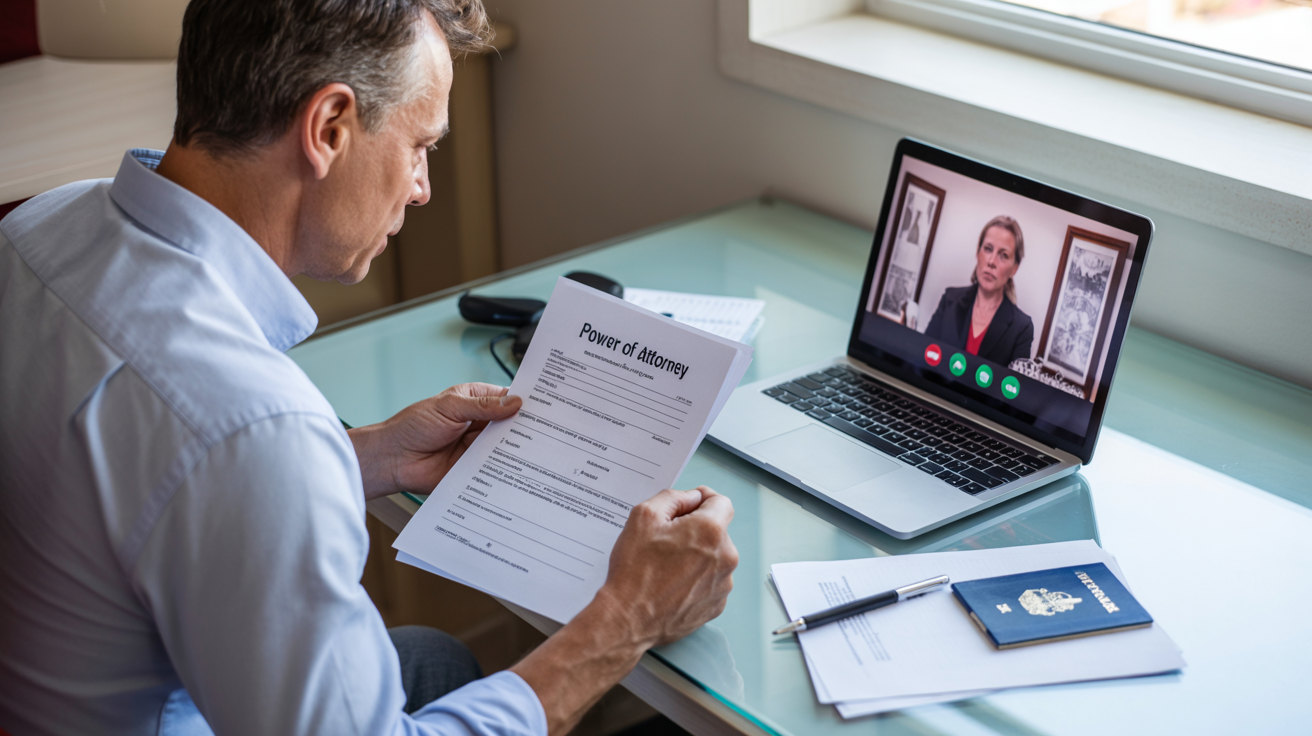
Online notarization (often called Remote Online Notarization / RON) is a real notarization performed with:
- Live, two-way audio-video (not a pre-recorded video)
- Identity verification that meets state requirements
- An authorized online notary in a state that allows RON (Florida does, after registration/training)
What it doesn’t mean: a notary “approves” your POA or tells you what to sign. Notaries are not your attorney, and they aren’t there to interpret legal effect—only to perform the notarial act and verify identity.
The 3 ways U.S. citizens abroad can get a POA notarized
Option 1: Remote Online Notarization (fastest when accepted)
This is usually the best option when:
- Your receiving party accepts RON (bank/title/attorney/court)
- Your destination country doesn’t require “wet ink” originals
- You might also need an apostille (more on that below)
Florida’s RON framework is active and includes rules for supervising electronic witnessing in certain situations.

Option 2: U.S. Embassy / Consulate notarization (reliable, but slower)
Consular notarial services can be a good backup, but appointments can be limited and vary by location.
Option 3: Local foreign notary (sometimes works, sometimes creates a mess)
This can work if the receiving U.S. institution accepts it and you handle authentication correctly—but it often triggers extra steps.
Before you notarize anything: do this 2-minute acceptance check
This is where most people lose time.
Ask the receiving party (bank/title company/attorney/court/agency abroad):
- Do you accept a POA notarized via Remote Online Notarization (RON)?
- Do you require wet ink (“original signature”), or is an electronic POA acceptable?
- Will the document be used outside the U.S.? If yes, do you require an apostille or authentication?
The U.S. Department of State specifically notes that if you’re abroad and want a U.S. state to notarize your document remotely, you should check with the state and the foreign country about acceptability.

Step-by-step: How to notarize a POA online (from abroad)
Step 1: Get the correct POA document
- Use the POA format required by the receiving institution or your attorney
- Make sure names match IDs exactly (small mismatches can derail acceptance)
Step 2: Confirm witnesses (if required)
Some POAs require witnesses depending on the state and type of authority granted. Florida law includes a framework for an online notary to supervise electronic witnessing when applicable. (Florida statute on remote witnessing).
(Translation: don’t assume—verify what your specific POA requires.)
Step 3: Prepare your ID and tech
Typically:
- Valid government-issued photo ID (a passport is often the easiest when you’re abroad — your notary platform will confirm what’s acceptable)
- Stable internet
- Quiet, well-lit space for the session
Step 4: Complete the RON notarization session
You’ll sign electronically during the live session, and the notary completes the notarial certificate.
Important: A notary may describe the general purpose of the notarization process, but cannot give legal advice or interpret your POA terms.
Step 5: Save your finalized notarized copy correctly
You’ll usually receive an electronic record after the session. Store it securely and share only with the parties who need it (privacy matters).

If your POA will be used overseas: Apostille vs Authentication (don’t skip this)
Notarization and international acceptance are not the same thing.
- Apostille: for countries in the 1961 Hague Apostille Convention Apostille requirements (U.S. Department of State)
- Authentication certificate: for countries not in the Hague Convention (authentication requirements (U.S. Department of State)
Florida’s Department of State outlines how notarized documents must be submitted for apostille/notarial certification (and that photocopies aren’t acceptable in that context). Florida Department of State
Practical takeaway: If the POA is for use abroad, ask upfront whether the receiving country wants:
- an apostille, or
- authentication + embassy legalization
Common reasons online-notarized POAs get rejected
- The bank/title company has an internal policy: “wet ink only”
- The POA wording isn’t the format they require
- Name/ID mismatch (middle names, initials, married names)
- Witness requirements weren’t met
- Document needed an apostille/authentication and didn’t have it

Quick checklist
- Confirm acceptance of RON with the receiving party
- Confirm whether wet ink is required
- Confirm whether an apostille/authentication is required (for overseas use)
- Verify your POA’s witness requirements
- Ensure your name matches your ID exactly
- Complete the online notarization session
- Save and share documents securely
Next step: send the checklist to the receiving party and get a clear “RON accepted / wet ink required / apostille needed” answer before you schedule anything.
After Your Power of Attorney Is Notarized
Once your Power of Attorney is properly notarized, the next step is sending it securely and correctly — especially if it’s crossing international borders.
Read this next:
Sending Notarized Documents Abroad the Right Way