The AI Video Tool That Saves Me Hours (Women 50+, This Changes Everything)
Why Video Feels Like a Mountain
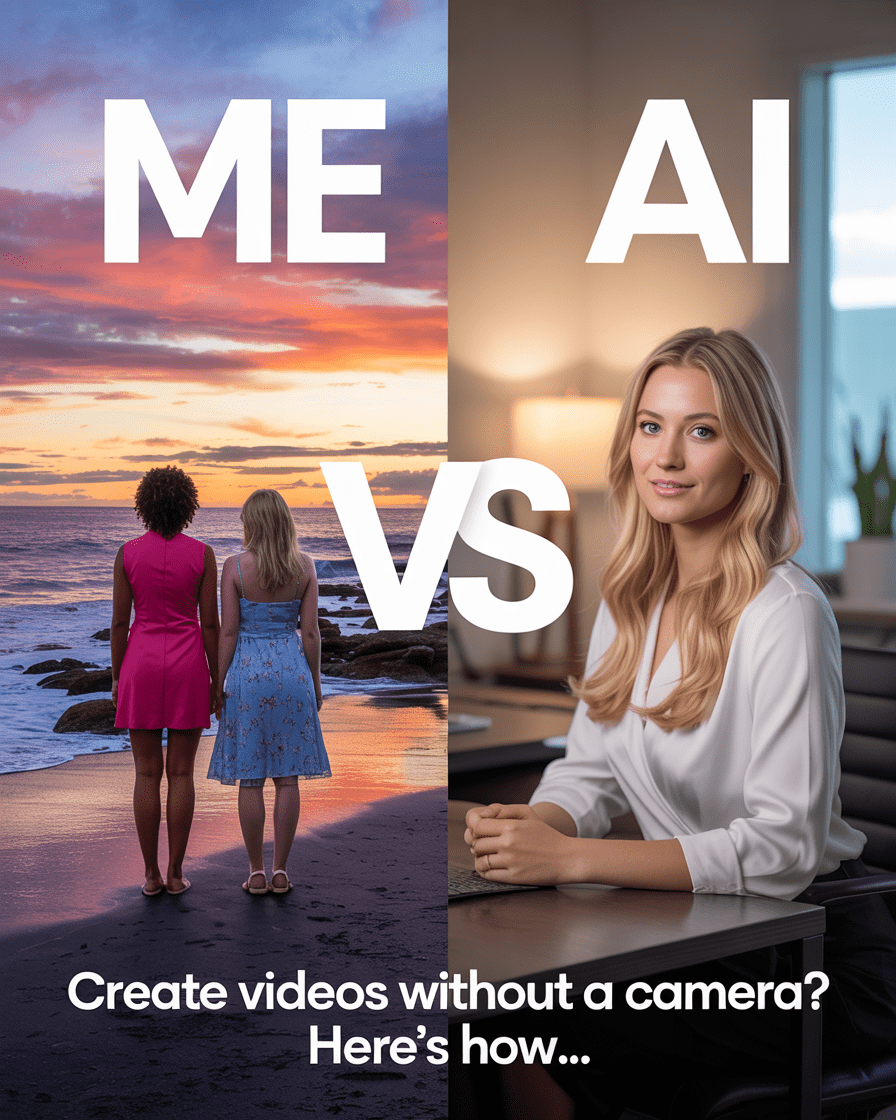
Let’s be honest—video creation can feel overwhelming, especially if you’re over 50 and building your brand. That’s why I went searching for the right AI video tool to help me show up professionally without the stress.
If you’re like most women over 50 growing a brand, launching a side business, or simply wanting to share your message with the world, the thought of lighting, editing, cameras, tripods, and makeup can make you want to shut the laptop and walk away.
But here’s the truth:
Video builds trust faster than anything else online. It’s how people connect with your story.
And if you’re worried AI might feel impersonal, here’s what I’ve learned:
- People trust you because of your message, not because of the camera you used.
- AI video tools simply remove the barriers—editing, lighting, tech stress—so you can show up consistently and confidently.
- When you share valuable insights in a polished, professional way, your audience focuses on what you’re saying, not on the tools behind it.
And here’s my favorite part: I still record my own voice for all of these videos.
Because your voice carries something AI can’t replicate — your emotion, your personality, your unique energy.
AI takes care of the visuals and editing so I can deliver my message with heart. It’s the best of both worlds: authenticity meets efficiency.
In today’s digital world, video is no longer optional if you want to stay visible and relevant.
Still… who has time to master editing software or hire a video team? Not me.
That’s why I went looking for a solution—and I found one.
A tool that creates studio-quality videos from a simple script—no camera, no fancy gear, no learning curve.
I’ll tell you what it is in a second. But first, let me show you why it’s changing everything for women like us.
The AI Video Tool I Use
Here’s how I create with it:
- In HeyGen, I can type a script and choose from their many voice options, record my own voice right inside the tool, or upload audio I’ve recorded separately for a polished final version.
- My real tone, emotion, and personality stay front and center, even if I’m using an AI presenter or a clone version of myself on screen.
- I choose backgrounds, styles, and even translations if needed.
- Then I click Create—and in just minutes, the video is done and ready to post on my blog, YouTube, or Pinterest.
No cameras. No expensive gear. No learning curve. Just a professional, done-for-you video that still sounds like me.
Want to try the same tool I’m using? Click here to check it out.
How I Use This AI Video Tool in My Business
Here’s how I’ve folded this tool into my life as a content creator, Medicare educator, and luxury travel advisor for women 50+:
- Medicare Explainers: Instead of filming myself every time, I use AI presenters to break down topics like enrollment periods, IRMAA surcharges, and coverage tips—quick, professional, and easy to update.
- Travel Videos: Perfect for adding intros to my Luxury Travel Over 50 videos without redoing my hair, makeup, or lighting for every shoot.
- Social Media Clips: Ideal for Pinterest Idea Pins, YouTube Shorts, and Instagram Reels—where attention spans are short but video quality still matters.
- Translations: This tool even translates my voice into other languages—an absolute game-changer for my travel content and global audience.
- AI For Her Life Tips: I can quickly create educational videos for women over 50 exploring AI tools, tech confidence, and smart living strategies.
Want to see exactly how it works? Try it for yourself here.
Step-by-Step: How I Made My First AI Video
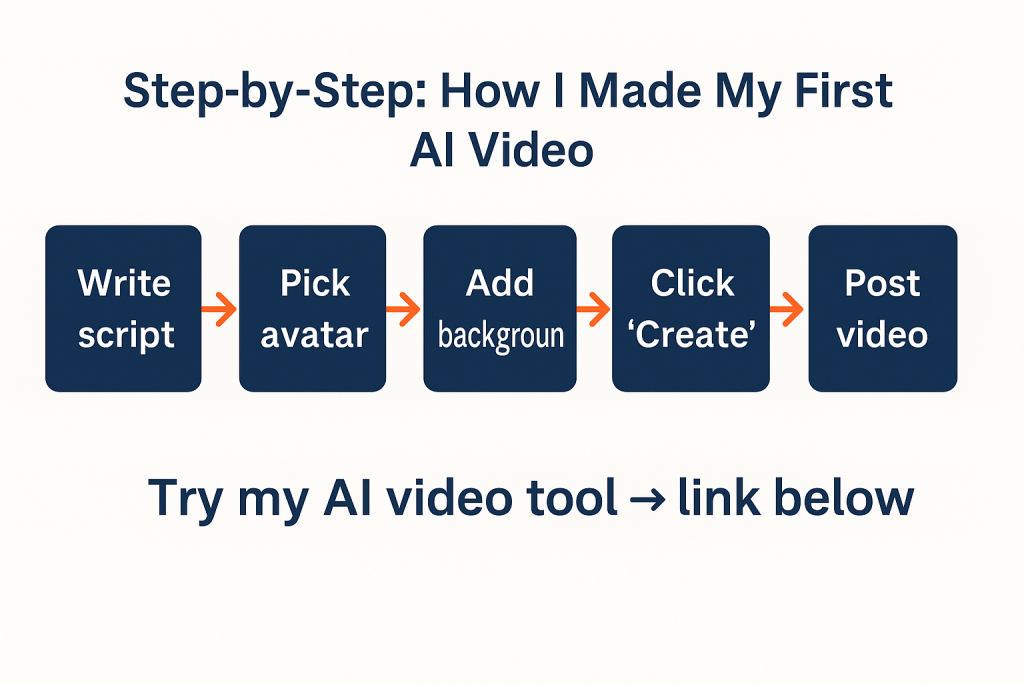
Here’s the five-minute workflow that sold me:
- Write a quick script → I keep mine under 90 seconds for YouTube Shorts and social posts.
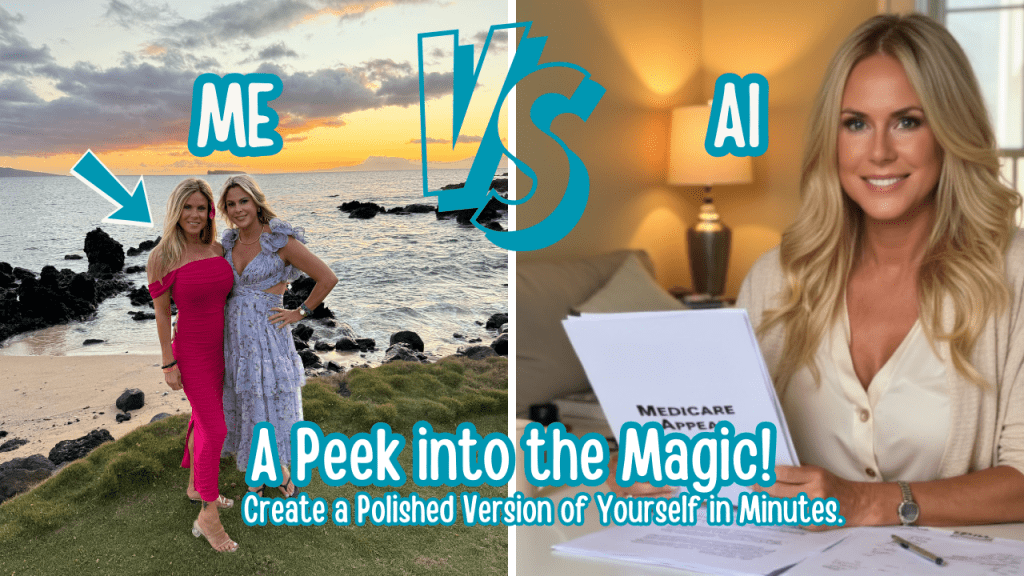
- Log into the tool → Pick an avatar or even create an AI avatar clone of yourself. It can be the polished, professional version of you—even on your “messy bun, no makeup” days.
- Add a background → Professional, modern, or branded.
- Click “Create” → Wait a few minutes.
- Download and post → Done.
I didn’t need a camera. I didn’t need lights. I didn’t even need to be on screen.
And if you’re camera-shy—or just want your “on-camera you” to look flawless? This is a lifesaver.
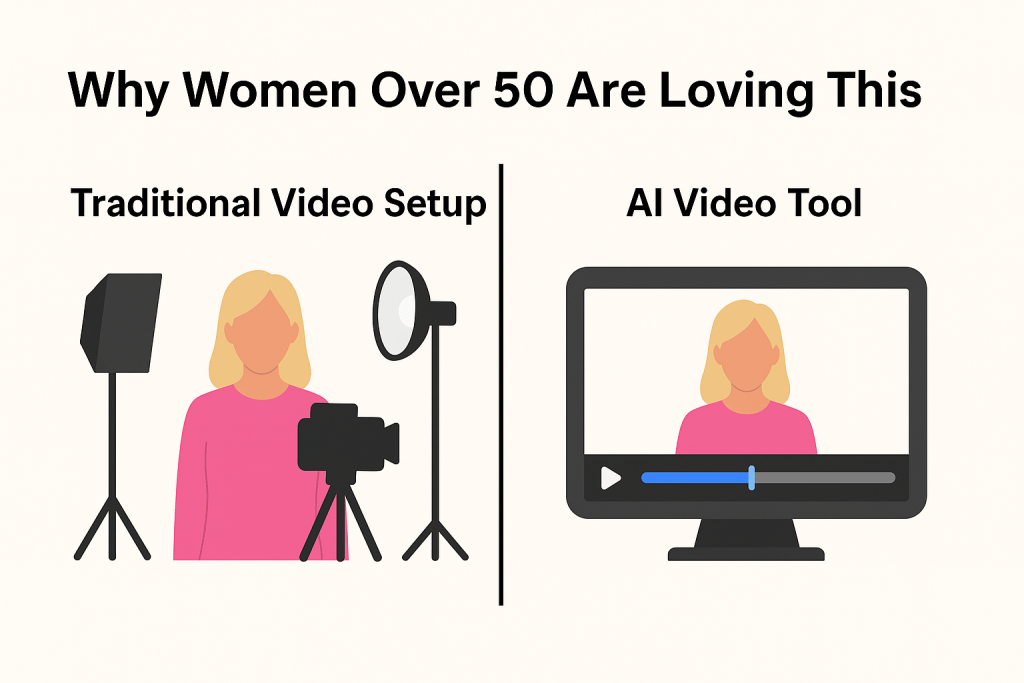
Why Women Over 50 Are Loving This AI Video Tool
- Saves Time: No more filming setups or endless editing.
- Removes Tech Barriers: If you can write an email, you can create a video.
- Looks Professional: Perfect for businesses, side hustles, or nonprofits run by women 50+.
- Scales Content Fast: I use it for YouTube, Pinterest, blog posts, and even emails.
Want to see the tool behind the curtain? Click here to try it.
What Is This AI Video Tool?
Okay, time to spill.
The tool I’ve been hinting at is HeyGen—a leading AI video tool that lets you create polished, professional content in minutes.
If you’ve been searching for:
- HeyGen review
- AI video editor for social media
- AI video creation tool
…this is the one I recommend, because I use it myself every single week.
Want to create videos without a camera? Try HeyGen.

Final Thoughts: Why I Recommend HeyGen
I started using HeyGen because I needed a smarter way to create video content for my businesses without spending hours editing—or feeling like I had to look perfect on camera every day.
For women 50+ juggling careers, travel plans, or growing online brands, HeyGen is the tool that makes video finally feel doable.
And yes—if you use my link, I may earn a small commission at no extra cost to you. But I only recommend tools I personally use and love.
So if you’re ready to:
- Save time
- Show up professionally
- Grow your message faster
Click here to try HeyGen today.
Work smarter, live more. That’s my motto. Join The Journal for simple tools, travel ideas, and insider tips on AI, Medicare, and living your next chapter with confidence. Subscribe Here
AI Video Tools: FAQs Answered